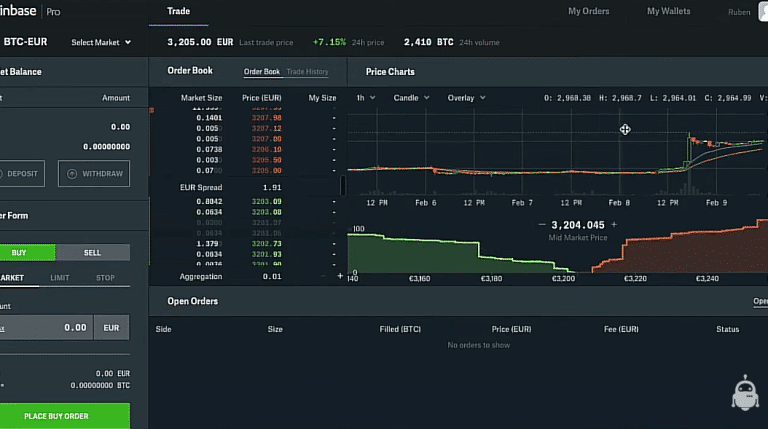
Creating Your API Keys
Hi everyone. Here’s how to create your API keys on your Coinbase Pro account. First, click your profile in the top-right corner and select API. You can either click New API or choose Create One. In the API settings, select Default User and enable the permissions you need. You only need Trade and View, since Coinrule will never ask to withdraw your funds, so there is no need to enable Transfer.
Choose a passphrase. Coinbase provides a default one, but you can change it, for example, to “coinrule.” There is also no need to use an IP whitelist unless required for your own security setup. To finalise the API creation, complete two-factor authentication by SMS and confirm the request.
Saving Your Keys and Connecting to Coinrule
Once confirmed, Coinbase will generate your secret key. Click to copy it, and save it now because it won’t be shown again. Your API key will also appear, and you can see that it is now active.
Return to your Coinrule account and go to the Exchanges section. Select Coinbase Pro from the dropdown list. Paste your secret key, enter the passphrase you created, and then copy and paste your API key. Click Save, and your connection will be ready. You are now set up to trade on Coinbase Pro through your Coinrule account.
https://www.youtube.com/watch?v=A7WF430KwSk
Download Coinrule, the Crypto trading bot on IOS, and on the Google Store.